Interactive Rise 360 Learning Journey with Reflect-Relate-Respond Checkpoints
An interactive Rise 360 course designed to help instructional designers translate accessibility standards into practical, human-centered design decisions that remove barriers and promote inclusive learning.

Overview
Designing for Accessibility is an interactive Rise 360 course that reframes accessibility from a compliance requirement into a proactive design mindset. Rather than presenting WCAG 2.1, POUR, UDL, and UDI as abstract standards, the course translates them into practical, repeatable decision-making tools for instructional designers.
The learning experience blends legal foundations, technical frameworks, artifact analysis, and reflective checkpoints to move learners from awareness to application. Every component of the course models accessibility in practice—demonstrating structured headings, intentional reading order, captioned media, accessible document formatting, and evaluation tools that support long-term transfer.
Key Deliverables
This project includes the development of:
- An interactive Rise 360 learning experience with embedded Reflect–Relate–Respond checkpoints
- An accessible multimedia video built using Storyblocks assets and captioned for compliance
- An accessible Word document modeling structured headings, alt-text, and screen-reader compatibility
- An accessibility infographic built in Microsoft PowerPoint and evaluated using WCAG guidelines
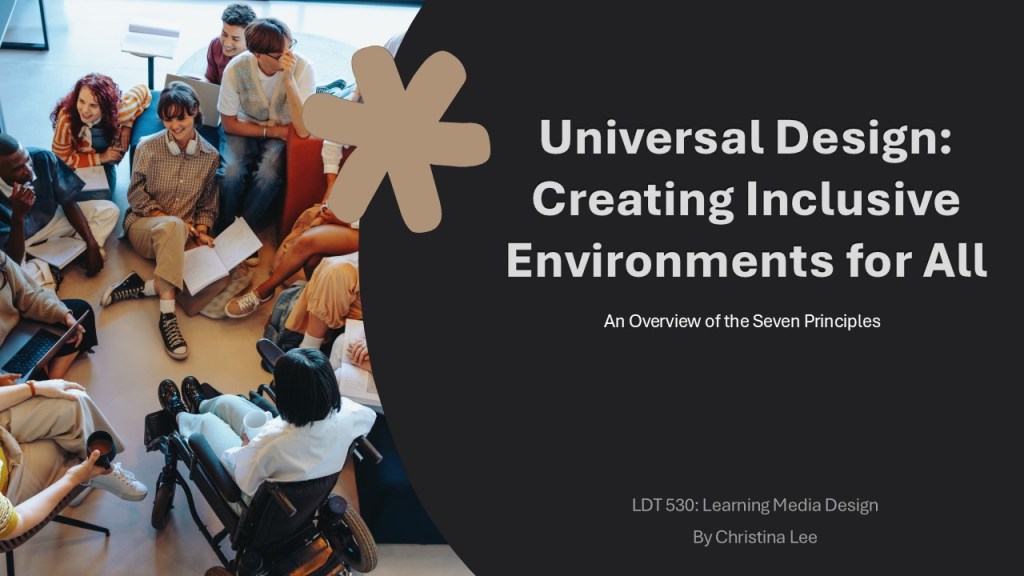
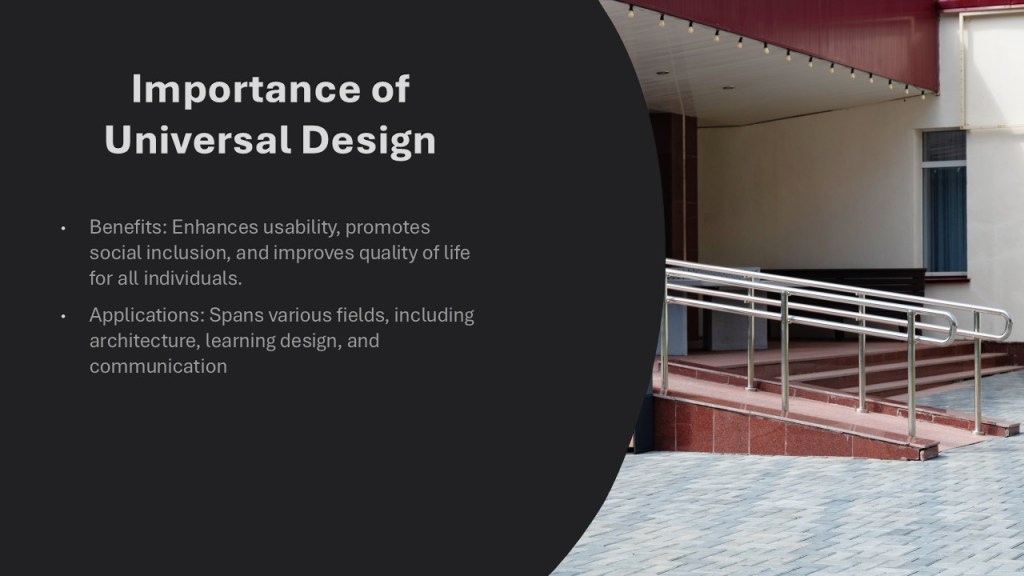
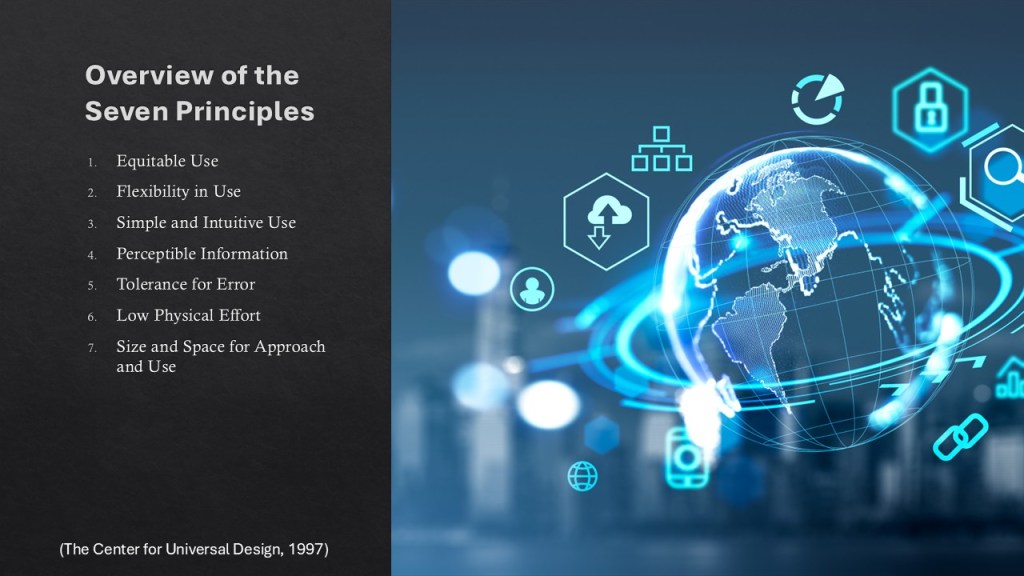
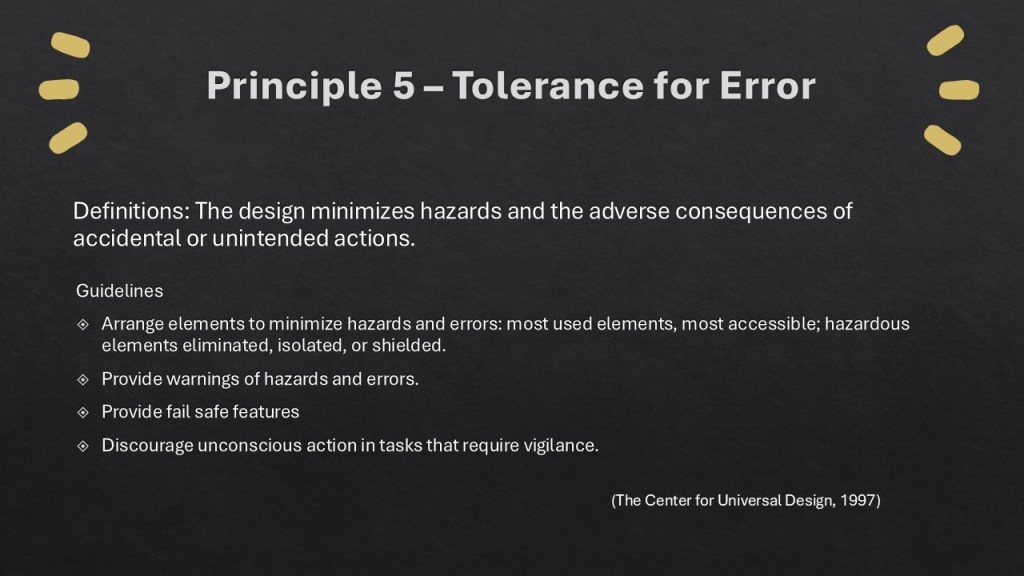
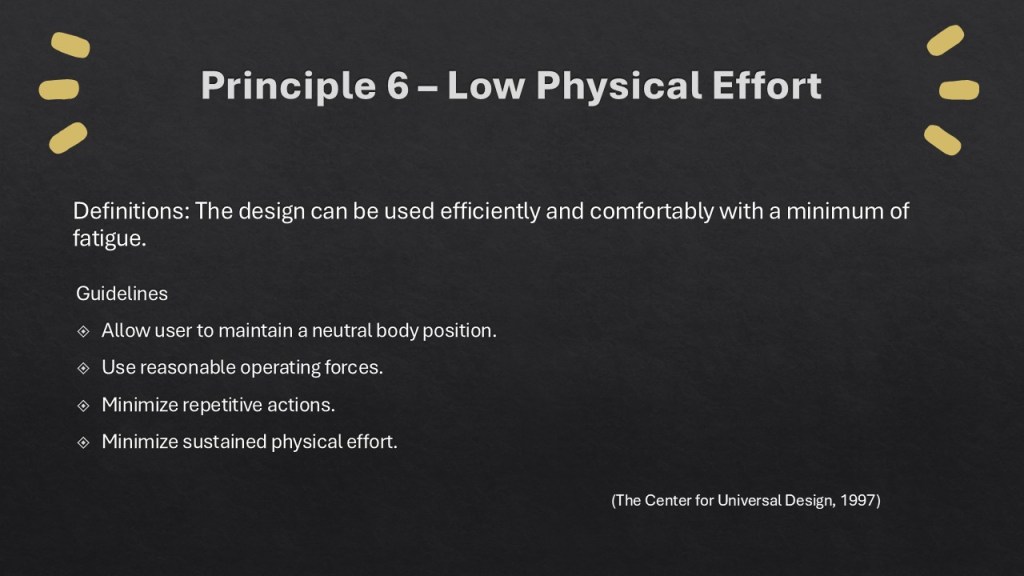
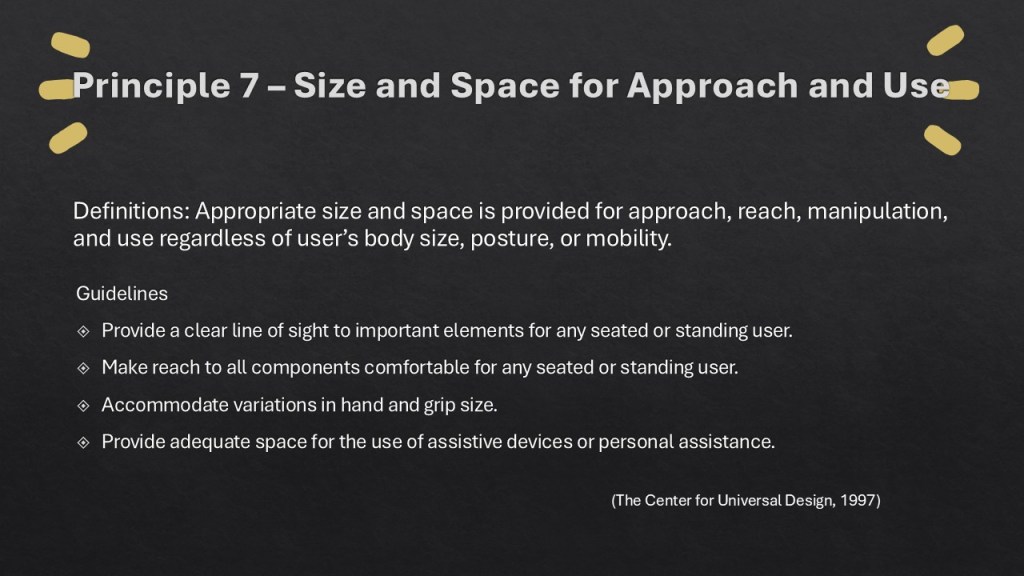
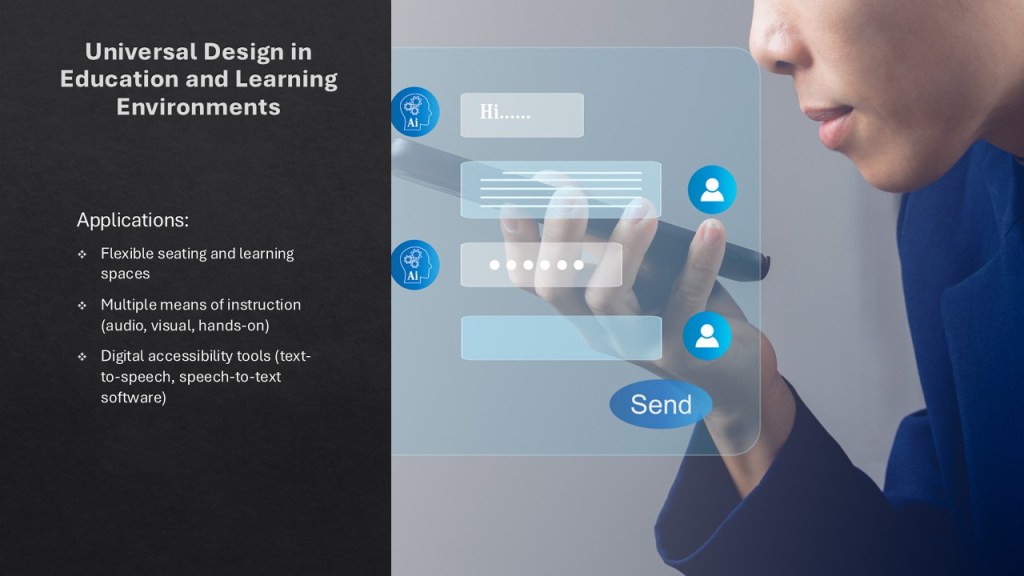
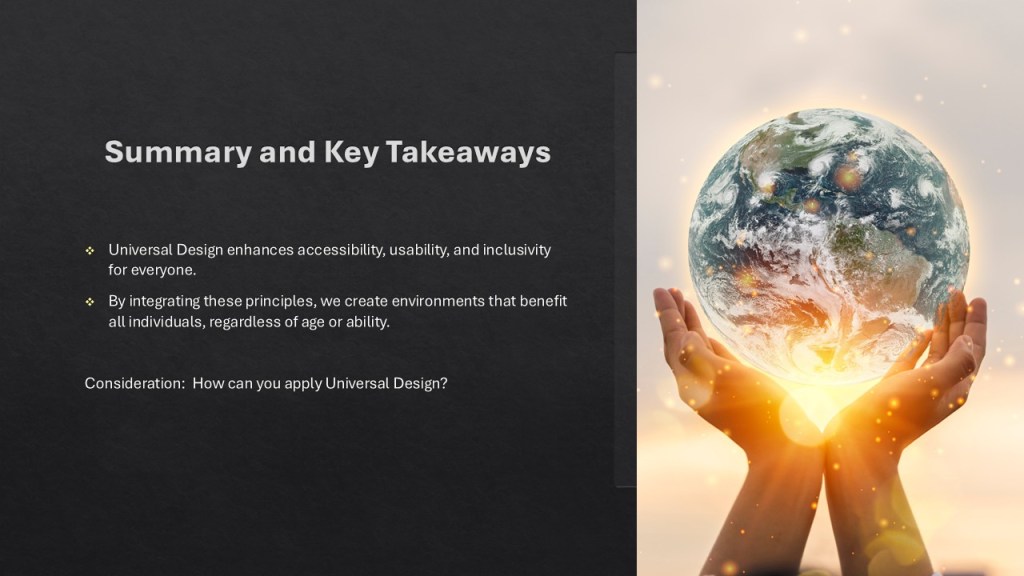
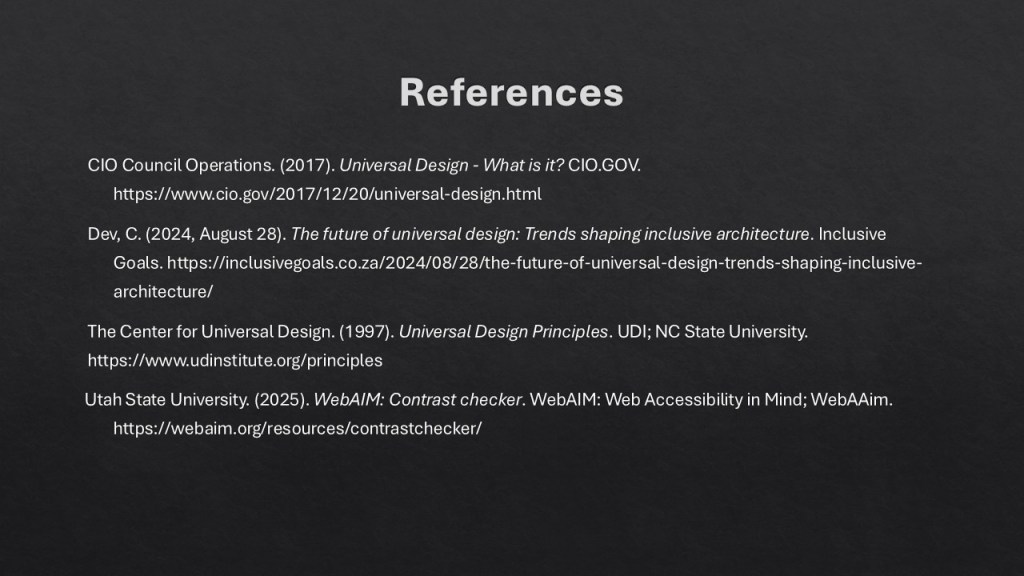
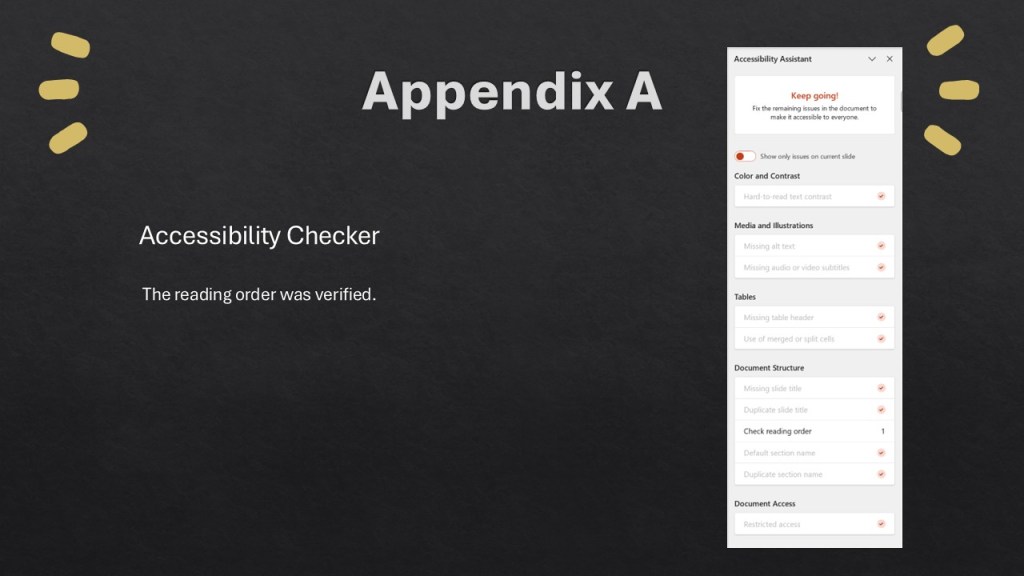
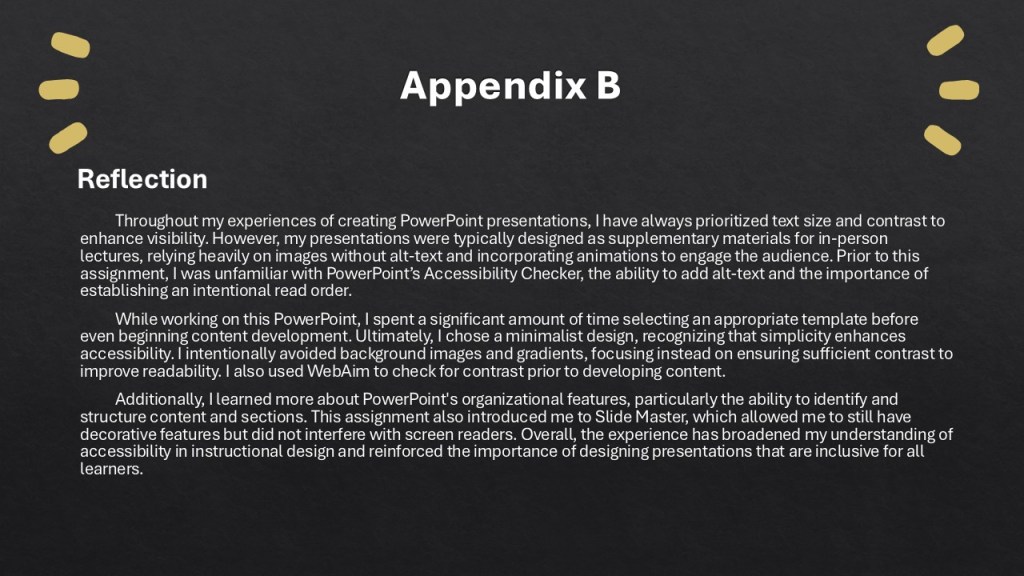
- A WCAG-compliant PowerPoint presentation demonstrating contrast, logical reading order, Slide Master structure, and Accessibility Checker validation
Each deliverable was intentionally audited using built-in accessibility tools and aligned to WCAG 2.1 standards to ensure consistency between instruction and implementation.

To experience the course in its intended format and explore how accessibility is modeled across every artifact, click below to launch the interactive learning experience.
Purpose / Intended Audience
This course was developed for instructional designers, educators, and content creators responsible for producing digital learning artifacts such as slide decks, documents, videos, and eLearning modules.
Many professionals are aware of accessibility standards but struggle with practical implementation. This course addresses that gap by helping learners:
- Recognize structural, visual, and cognitive barriers within their own materials
- Apply the POUR principles as actionable design filters
- Evaluate digital tools using VPATs and Accessibility Conformance Reports (ACRs)
- Integrate accessibility considerations at the beginning of the design process rather than retrofitting later
The intention was not simply to inform, but to build evaluative confidence and sustainable design habits.
Process
The course was structured as a scaffolded learning journey inside Rise 360, progressing intentionally from purpose → framework → application → evaluation → action.
Key Design Decisions
1. Establishing Meaning Before Mechanics
The course opens with the history of accessibility legislation to anchor digital standards in civil rights advocacy. This contextual framing reinforces that accessibility is rooted in equity, not bureaucracy.
2. Translating Frameworks Into Usable Tools
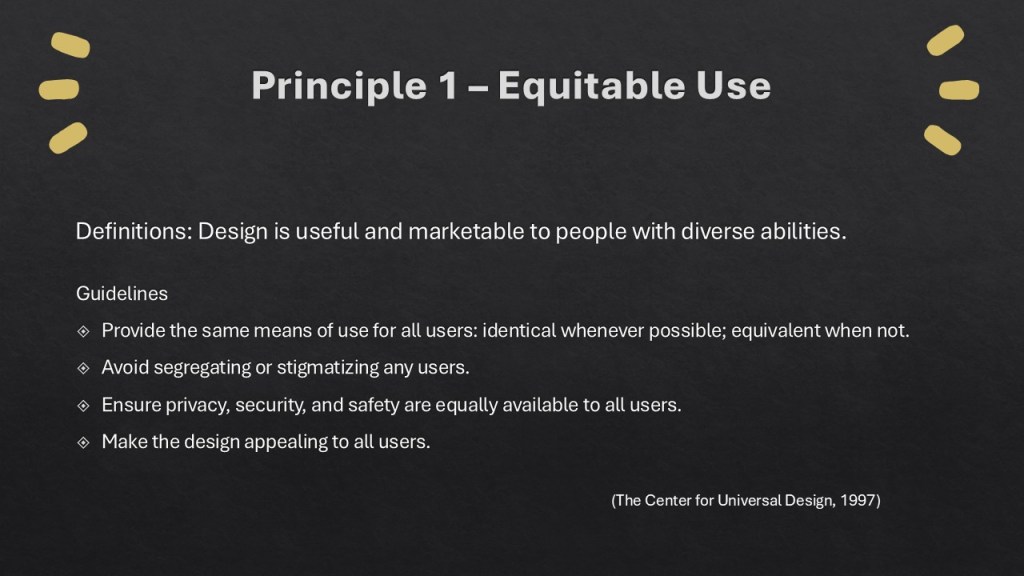
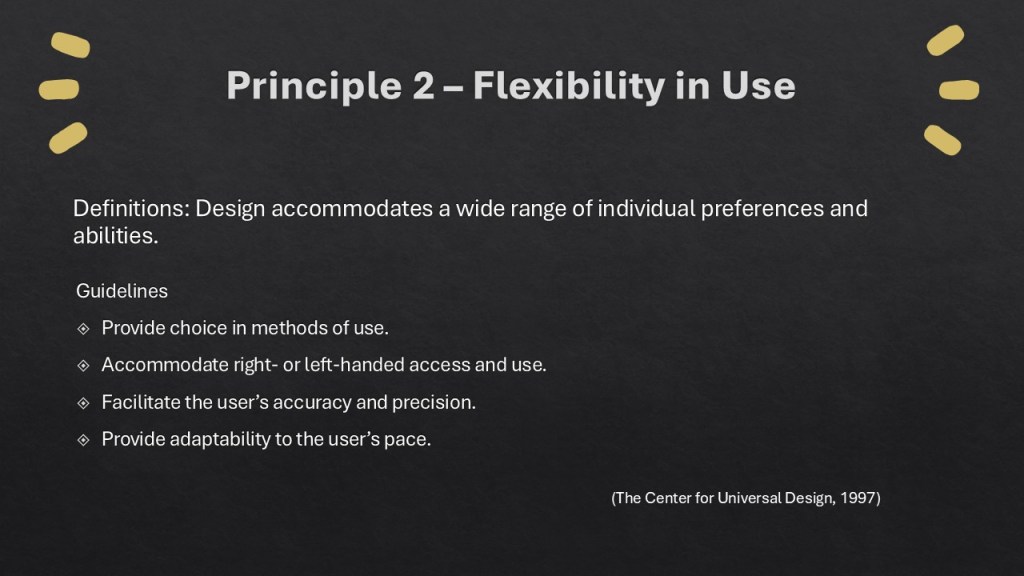
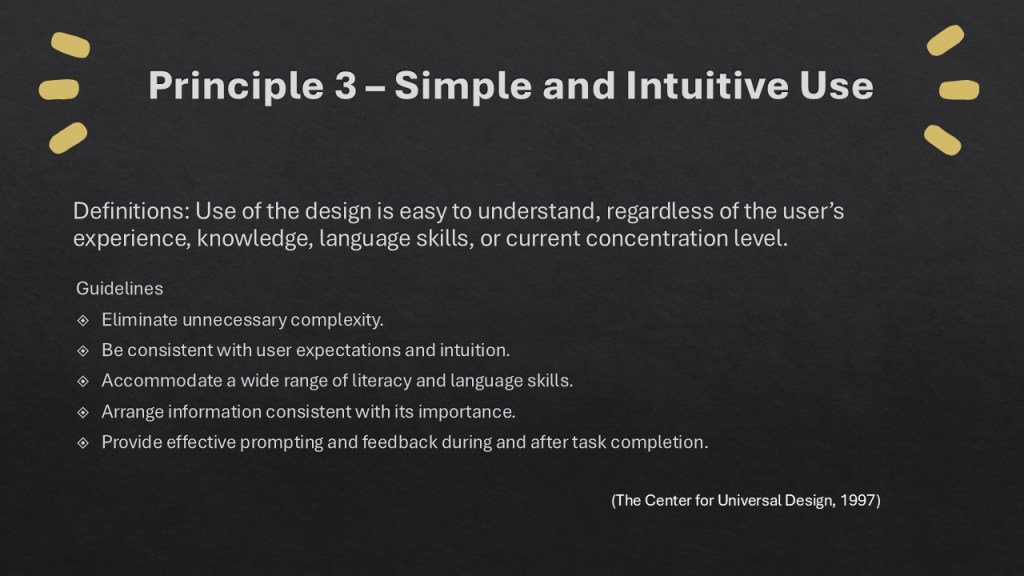
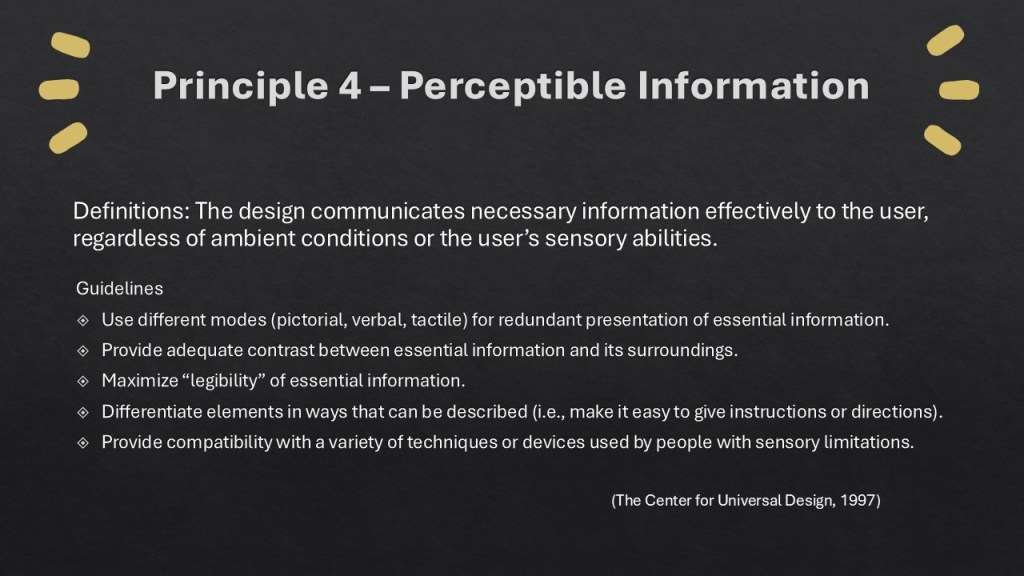
WCAG 2.1 and the POUR principles are introduced not as technical checklists, but as practical evaluative questions designers can apply to any learning object. UDL and UDI are layered in to extend accessibility beyond digital compliance into instructional flexibility.
3. Embedding Reflect–Relate–Respond Checkpoints
Throughout the experience, learners pause to evaluate their own work. These structured reflection prompts promote metacognition and encourage immediate application, strengthening transfer beyond course completion.

4. Modeling Accessibility Through Artifacts
The course incorporates real examples, including:
- An accessible Word document demonstrating structured headings, alt-text, and navigability
- An ACR infographic evaluating Microsoft PowerPoint
- A self-evaluation rubric aligned with WCAG, UDL, and UDI
Each artifact functions both as instructional content and as a model of accessible design.

5. Prioritizing Cognitive Load and Clarity
Content is chunked, clearly structured, and multimodal. Headings are intentionally sequenced. Visual hierarchy is clean and consistent. These design decisions reinforce the accessibility principles being taught.
Role
This project was developed as part of graduate coursework in Learning Design and Technology. As the instructional designer and developer, I was responsible for conceptualizing, designing, and building the complete learning experience.
The course was informed by my own reflective learning process as I deepened my understanding of accessibility in instructional design. I translated that growth into a structured, scaffolded learning journey that would support other designers navigating similar challenges.
I designed the course architecture and sequencing, scripted the multimedia components—including the Inclusive by Design video—and leveraged AI-assisted tools to support content generation and media production while maintaining full instructional oversight and alignment with accessibility standards.
I developed the accessibility and UDL-aligned evaluation rubric, audited all artifacts for WCAG compliance, and built, tested, and deployed the final course in Rise 360. All final design decisions, accessibility validation, and quality assurance were completed under my direction.
Outcome
This project demonstrates my ability to translate accessibility standards and inclusive design frameworks into a cohesive, applied learning experience. Through the integration of WCAG 2.1, POUR principles, UDL, and UDI, I developed a course that not only explains accessibility but models it across multiple formats and platforms.
By designing accessible artifacts in Rise 360, Word, and PowerPoint—and auditing each tool for compliance—I strengthened my capacity to build accessibility into the design process from the start rather than retrofitting later. The project reflects growth in instructional architecture, reflective practice, artifact-based learning design, and standards-aligned evaluation.
Most importantly, it reinforces my commitment to inclusive design as a professional responsibility—where accessibility is embedded into structure, language, and delivery to ensure learning environments are equitable, usable, and empowering for all.
Consultation
Ready to elevate your training strategy?
Let’s design something intentional together.
 Engage & Empower Learning Design